pre-commit with Django
Updated General
Table of Contents
pre-commit is a widely-used code quality framework. It allows a developer to add hooks for various code quality tools that check your code for any errors or issues before committing them to a repository. Django adopted pre-commit in 2020, and for many developers, it is an indispensable tool used on basically every project.
In this tutorial, we will create a new Django project, install pre-commit, and configure ruff — a fast Python linter and formatter written in Rust that replaces Black, isort, and flake8 in a single tool.
Django Set Up
Let's go through the standard installation for a new Django project. On the command line, navigate to a new directory, create a new virtual environment, and install Django.
# Windows
$ python -m venv .venv
$ .venv\Scripts\Activate.ps1
(.venv) $ python -m pip install django~=6.0.0

# macOS
$ python3 -m venv .venv
$ source .venv/bin/activate
(.venv) $ python3 -m pip install django~=6.0.0
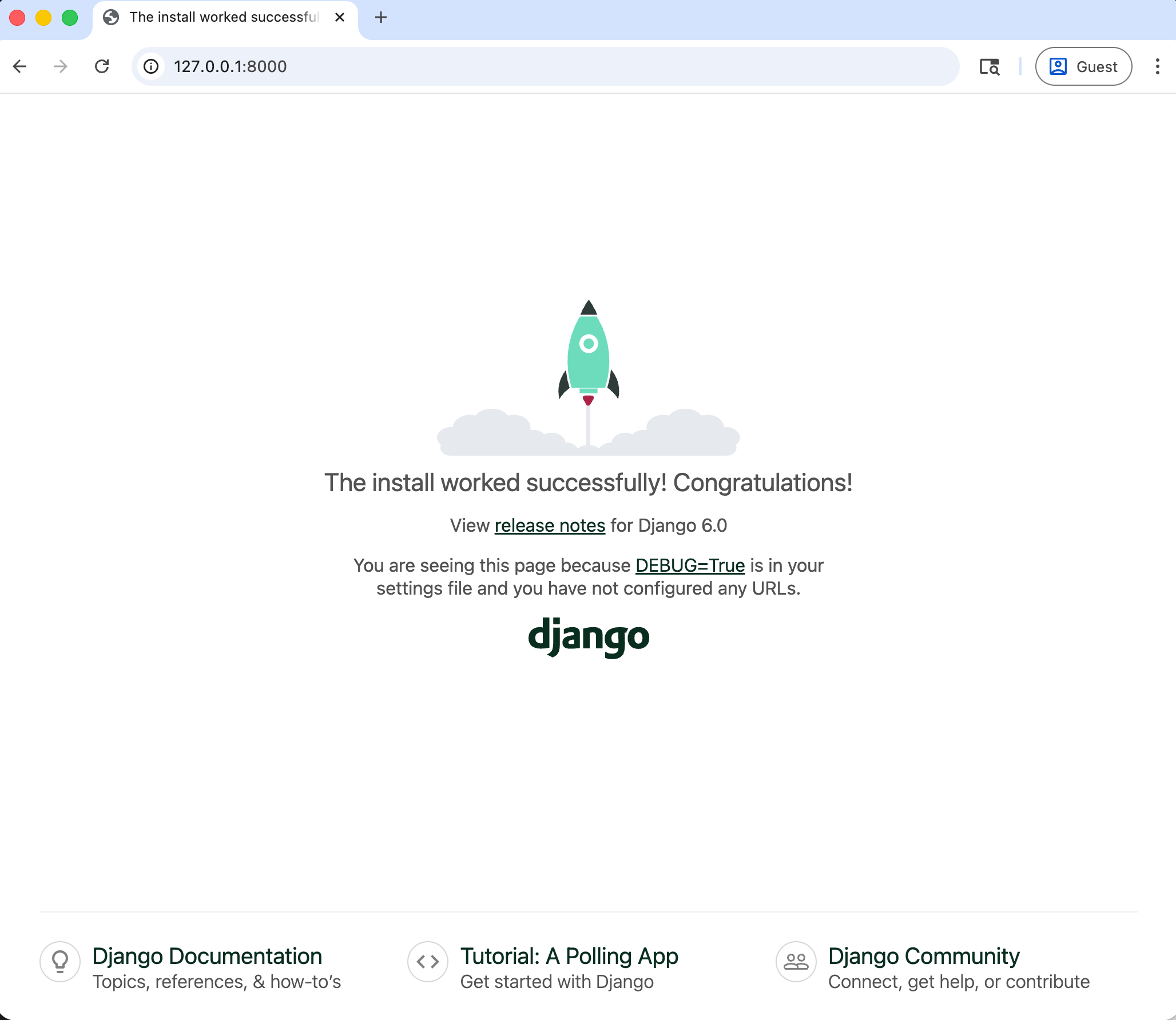
Create a new project called django_project and then run runserver to start up the local web server and view the Django welcome page in your web browser at 127.0.0.1:8000.
(.venv) $ django-admin startproject django_project .
(.venv) $ python manage.py runserver
Install pre-commit
There are multiple ways to install pre-commit. In this tutorial, we will use pip, but some developers on macOS prefer installing it via Homebrew and updating it that way.
(.venv) $ python -m pip install pre-commit
To confirm it installed correctly, check its version:
(.venv) $ pre-commit --version
pre-commit 4.2.0
Add a Configuration File
pre-commit is configured via a .pre-commit-config.yaml file located in the root of your directory. Create this new file now with your text editor.
├── .pre-commit-config.yaml  # new
├── db.sqlite3
├── django_project
│   ├── ...
└── manage.py
There is a helpful command to output a sample configuration.
(.venv) $ pre-commit sample-config
# See https://pre-commit.com for more information
# See https://pre-commit.com/hooks.html for more hooks
repos:
-   repo: https://github.com/pre-commit/pre-commit-hooks
    rev: v5.0.0
    hooks:
    -   id: trailing-whitespace
    -   id: end-of-file-fixer
    -   id: check-yaml
    -   id: check-added-large-files
Briefly, this configuration references the source repository, version number, and contains four hooks that respectively remove whitespace, make sure text files end with a newline, check that YAML files are valid, and prevent large files (the default is 500kB) from being committed.
Copy and paste this into the .pre-commit-config.yaml file.
# .pre-commit-config.yaml
repos:
-   repo: https://github.com/pre-commit/pre-commit-hooks
    rev: v5.0.0
    hooks:
    -   id: trailing-whitespace
    -   id: end-of-file-fixer
    -   id: check-yaml
    -   id: check-added-large-files
It is also possible--and highly recommended--to specify which version of Python pre-commit should be used to run hooks. This can be done via the default_language_version top-level key. We are using Python 3.13 here.
# .pre-commit-config.yaml
default_language_version:
  python: python3.13

repos:
-   repo: https://github.com/pre-commit/pre-commit-hooks
    rev: v5.0.0
    hooks:
    -   id: trailing-whitespace
    -   id: end-of-file-fixer
    -   id: check-yaml
    -   id: check-added-large-files
Git setup
Make sure that git is already installed since we can't use pre-commit without git itself.
Confirm that git is installed by checking its version number.
(.venv) $ git --version
git version 2.49.0
Then add a .gitignore file to the root directory and include one line excluding the virtual environment directory, .venv.
# .gitignore
.venv/
We can now initialize a new repository and add all changed files, but do not commit it yet.
(.venv) $ git init
(.venv) $ git add .
Install git Hook Scripts
Run the pre-commit install command to set up the git hook scripts in our repository.
(.venv) $ pre-commit install
pre-commit installed at .git/hooks/pre-commit
pre-commit will now run automatically on any future git commit command!
When adding new hooks, it is a good idea to run them against all files since usually, pre-commit only runs on changed files during git hooks.
(.venv) $ pre-commit run --all-files
Trim Trailing Whitespace.................................................Passed
Fix End of Files.........................................................Failed
- hook id: end-of-file-fixer
- exit code: 1
- files were modified by this hook

Fixing .gitignore

Check Yaml...............................................................Passed
Check for added large files..............................................Passed
What's this? Our pre-commit hook noticed an error already: we failed to add an extra line to the end of the .gitignore file, so it flagged it as "failed" and then fixed it automatically. If you look at the .gitignore file, you'll see a second line now.
# .gitignore
.venv/
Everything will pass if you run pre-commit run --all-files again.
(.venv) $ pre-commit run --all-files
Trim Trailing Whitespace.................................................Passed
Fix End of Files.........................................................Passed
Check Yaml...............................................................Passed
Check for added large files..............................................Passed
It's time to stage the changes to the .gitignore file and make our first git commit.
(.venv) $ git add .
(.venv) $ git commit -m "initial commit"
Add Hooks: ruff
ruff is a fast Python linter and formatter written in Rust. Previously, Django projects would commonly use a combination of Black (formatting), isort (import sorting), and flake8 (linting) as separate hooks. ruff replaces all three in a single tool. We add two hooks: ruff for linting and ruff-format for formatting.
# .pre-commit-config.yaml
default_language_version:
  python: python3.13

repos:
-   repo: https://github.com/pre-commit/pre-commit-hooks
    rev: v5.0.0
    hooks:
    -   id: trailing-whitespace
    -   id: end-of-file-fixer
    -   id: check-yaml
    -   id: check-added-large-files
-   repo: https://github.com/astral-sh/ruff-pre-commit
    rev: v0.15.10
    hooks:
    -   id: ruff
        args: [--fix]
    -   id: ruff-format
Make sure to include that extra line at the end of the file, or pre-commit will complain. Since we are adding new hooks, first run them against all files.
(.venv) $ git add .
(.venv) $ pre-commit run --all-files
(.venv) $ git commit -m "add ruff hooks"
trim trailing whitespace.................................................Passed
fix end of files.........................................................Passed
check yaml...............................................................Passed
check for added large files..............................................Passed
ruff.....................................................................Passed
ruff-format..............................................................Failed
- hook id: ruff-format
- files were modified by this hook

reformatted django_project/asgi.py
reformatted django_project/urls.py
reformatted django_project/wsgi.py
reformatted manage.py
reformatted django_project/settings.py

All done! ✨ 🍰 ✨
5 files reformatted, 0 files left unchanged.
There were five files reformatted to use double quotes rather than single, as ruff-format prefers. To add these new updates, use the command git add . Then run git commit -m "add ruff hooks" again and all files will pass.
pyproject.toml
A pyproject.toml file acts as a unified Python project settings file. Create a new blank file in your root project directory.
├── .pre-commit-config.yaml
├── db.sqlite3
├── django_project
│   ├── ...
├── manage.py
└── pyproject.toml  # new
We can use it to configure ruff further. The select list controls which rules are enabled: E and F are Pyflakes/pycodestyle rules, and I enables import sorting (replacing isort). We can also ignore specific rules and set a target Python version.
# pyproject.toml
[tool.ruff]
target-version = "py313"

[tool.ruff.lint]
select = ["E", "F", "I"]
ignore = ["E501", "E741"]
Now git add the new pyproject.toml file and create a git commit.
(.venv) $ git add .
(.venv) $ git commit -m "add pyproject.toml"
trim trailing whitespace.................................................Passed
fix end of files.........................................................Passed
check yaml...........................................(no files to check)Skipped
check for added large files..............................................Passed
ruff.................................................(no files to check)Skipped
ruff-format..........................................(no files to check)Skipped
[main d247439] add pyproject.toml
 1 file changed, 6 insertions(+)
 create mode 100644 pyproject.toml
Next Steps
We've only scratched the surface of what pre-commit and all the various hooks can do. Some other popular options include pyupgrade, django-upgrade, and bandit.
If you're looking for a detailed discussion of pre-commit as well as tools and techniques to improve your Django development experience, I highly recommend Adam Johnson's book on the subject, Boost Your Django DX.